Rhode Island Department of Education- All Course Network
Robotics with micro:bit
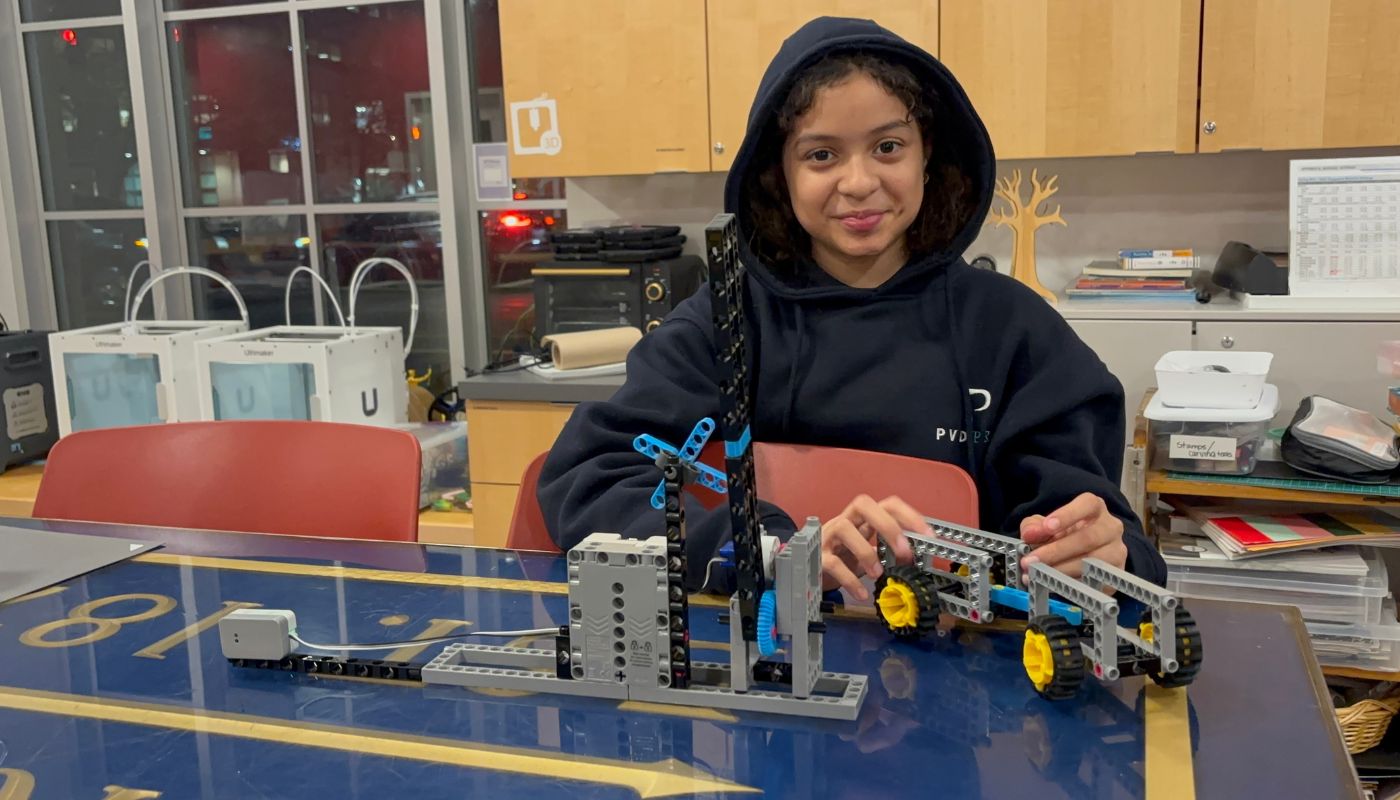
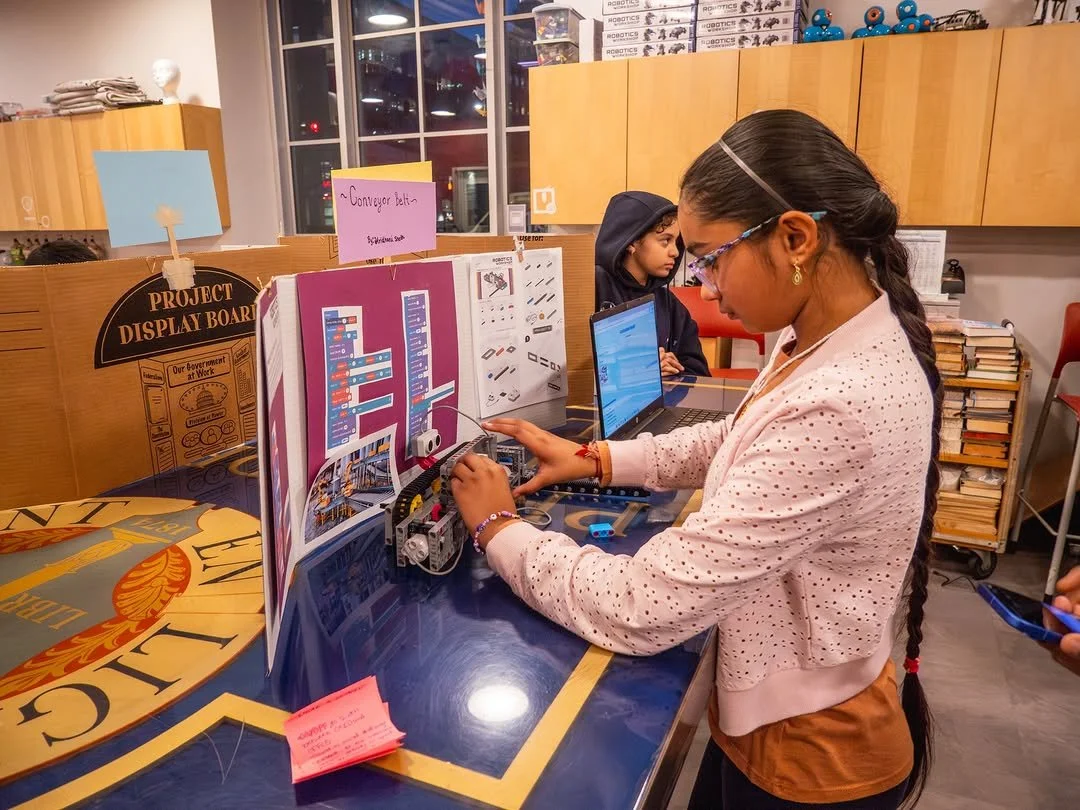
This free, 12-week after-school program for middle schoolers—offered through the Rhode Island Department of Education—turns curious students into builders and programmers. In partnership with Thames & Kosmos, a local toy company based in Providence, RI, the program features the generously donated Robotics Workshop with micro:bit. Students assemble motorized robots, wire sensors, and write code to bring their machines to life. The course moves from hands-on building into block-based coding in MakeCode, and eventually into Python and JavaScript, meeting students exactly where they are.
This program was made possible through a generous donation from Thames & Kosmos, who provided 10 Robotics Workshop with Micro:Bit kits to the Providence Public Library. Their contribution allowed us to offer a completely free robotics course to middle school students in Providence through the All Course Network, a RIDE initiative connecting students to expanded learning opportunities. Without this partnership, access to hands-on robotics education would have been out of reach for many of the students we served.
Your robots’ brain, eyes, ears, voice, and more! This pocket-sized circuit board hosts your programmed code and is housed in a sleek yet durable smart controller. This mini-computer has a built-in array of 25 LEDs and on-board sensors that measure light, temperature, magnetism, movement, sound, and more.
❋ The Micro:bit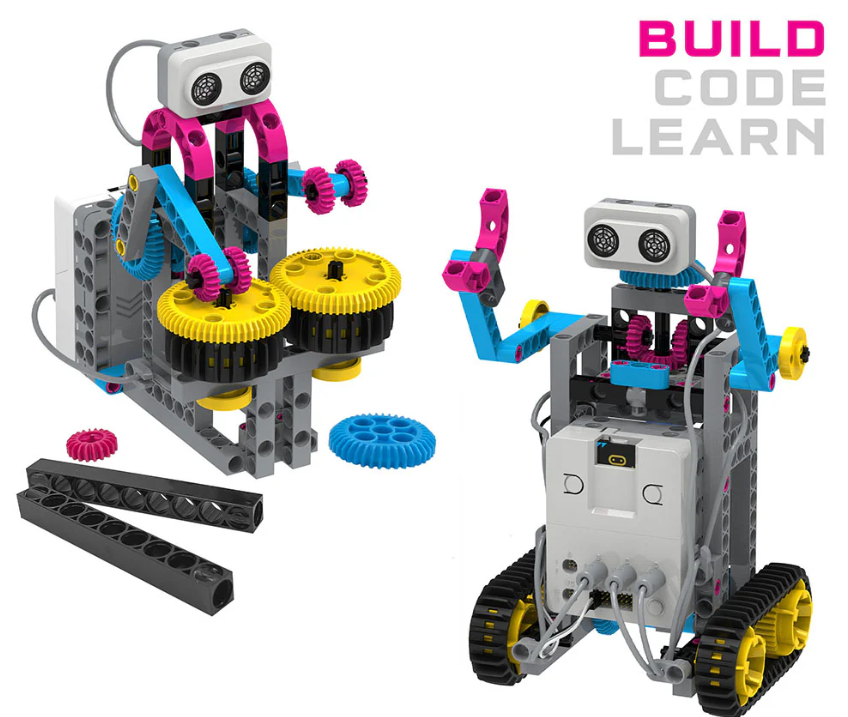
❋Ultrasonic Sensor:Avoid obstacles! The ultrasonic sensor works like a sonar system and helps your robots gauge distances and determine where objects are. Two ultrasonic sensors included.
❋ Servo Motor:Make precise movements! The precision motor allows your robot to make accurate and powerful movements with complete motor control! One servo motor included.
❋ Direct-Drive Motor:Drive your robots! The two powerful direct-drive motors bring motion to your robots: Connect the motors to gears, wheels, and other pieces to move your robots in many ways.
Robotics with micro:bit
COURSE OVERVIEW
Week 1-2: Introduction to Robotics & Micro:Bit Basics
Overview of robotics and course expectations
Introduction to Micro:Bit and MakeCode
Building simple robots using Thames & Kosmos kit
Week 3-4: Sensors & Movement
Understanding motors and servos
Programming motion and direction control
Exploring sensor-based interactions (light, sound, touch)
Week 5-6: Advanced Programming Concepts
Conditional logic and loops in MakeCode
Debugging and troubleshooting
Introduction to Python and JavaScript basics
Week 7-8: Engineering Design Process
Prototyping new robot designs
Iterative improvements and testing
Team challenge: Program a robot to complete a task
Week 9-10: Real-World Robotics Applications
Week 11-12: Final Projects & Showcase
Robotics in industry and research
Ethical considerations in AI and automation
Hands-on exploration of autonomous robotics
Students design and program a custom robot project
Team presentations and peer feedback
Robotics showcase for friends, family, and community
Block Coding
One of the core design decisions in this course was starting students with block-based coding in Microsoft MakeCode before introducing text-based languages. Block coding removes the barrier of syntax, allowing students to focus on understanding logic, sequence, and problem-solving without the frustration of typos or formatting errors stopping their progress. Once students could see their robots responding to their commands, their confidence grew naturally. That confidence became the foundation for introducing Python and JavaScript, languages that felt less intimidating because students already understood what the code was supposed to do. The goal was never to rush students into text-based programming. It was to make sure they arrived there believing they could.
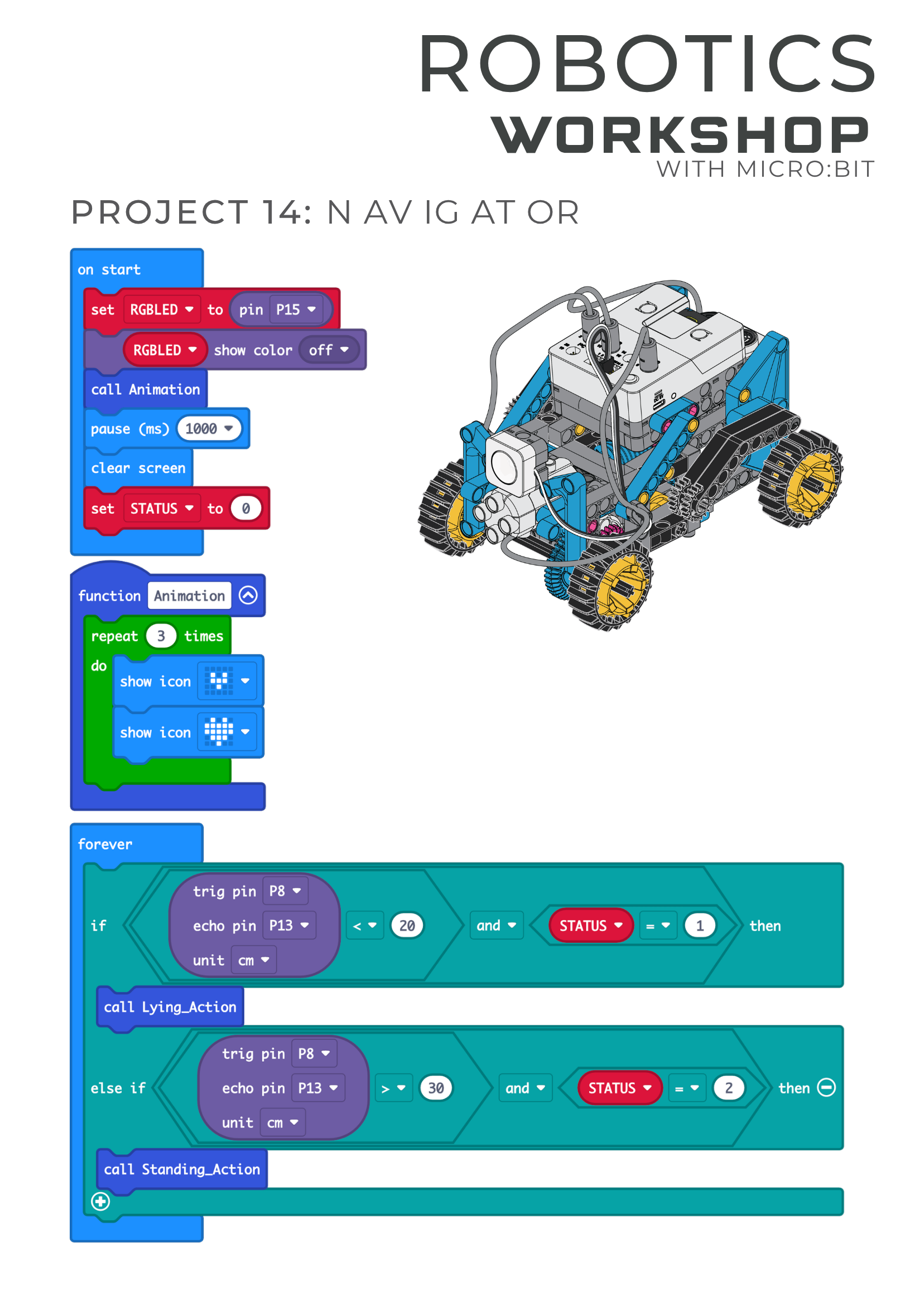
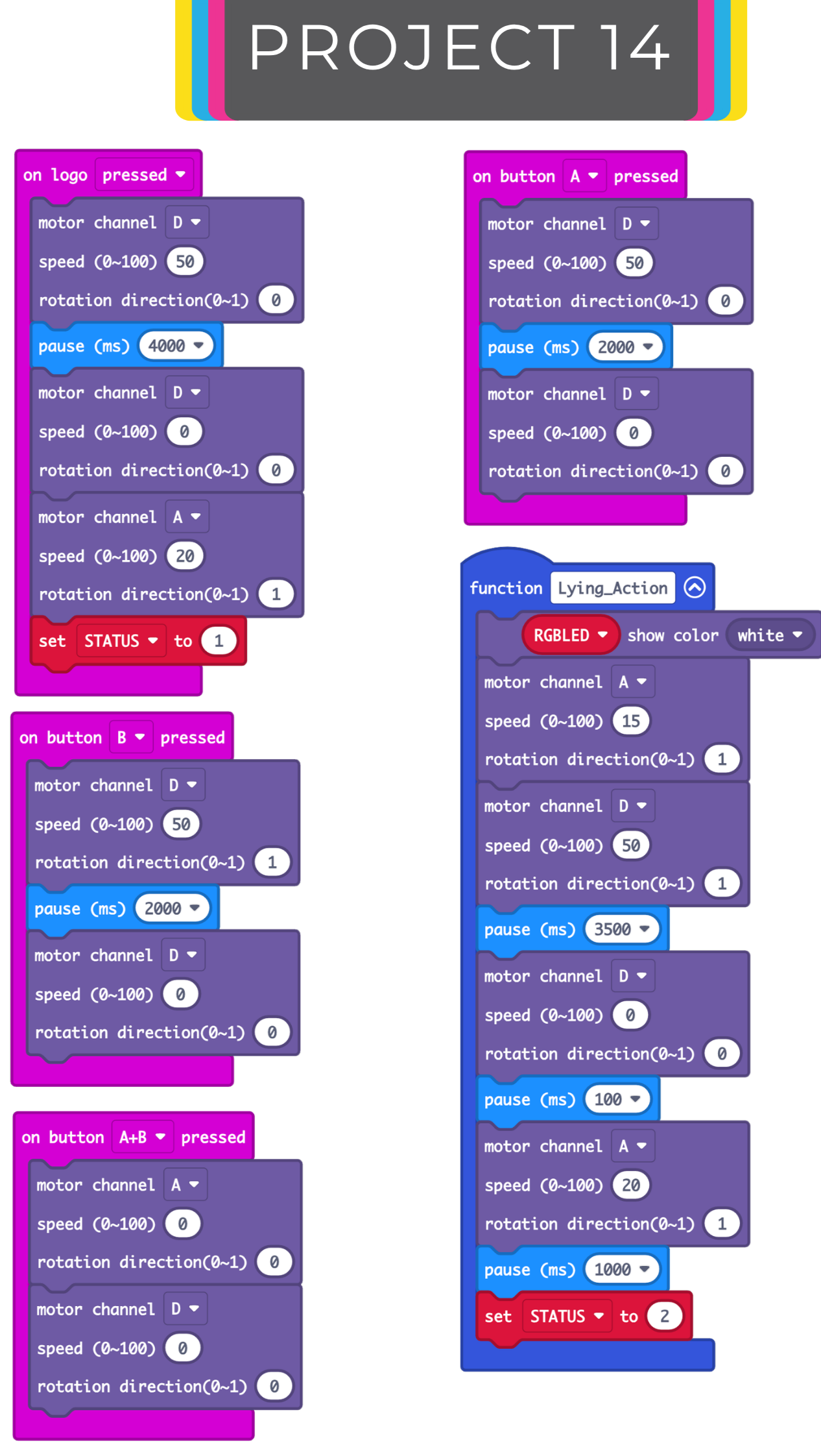
This course was designed with Universal Design for Learning (UDL) principles at its core. Rather than building a single path through the material and adapting it after the fact, the curriculum was structured from the start to meet a wide range of learners. Students had multiple ways to engage with content: live instruction was paired with recorded sessions and shared slide decks so students could revisit lessons at their own pace. Some students learned best by watching the videos first. Others preferred to follow the guided build step by step, while some jumped straight into designing their own version from scratch. Laptops and hotspots were available upon request, removing the technology access barrier entirely. A teaching assistant was present at every session, and peer mentoring was woven into the classroom structure so that students who needed support could get it without having to wait. For students who moved quickly, the next project was always ready, or they could extend their current build with a unique challenge. One student had already learned block coding before the course and went straight into JavaScript just for the challenge of it. The goal was a learning environment where every student could show up fully and stay engaged, regardless of their skill level, pace, or learning style. That is exactly what happened.